Explore with demo data
Want to see how KnightLeap fits together before adding your own work? Load a complete, fully synthetic sample workspace in one click — OKRs, weekly sprints, routines, and a few weeks of history — poke around, then remove it whenever you like. It never touches your real data.
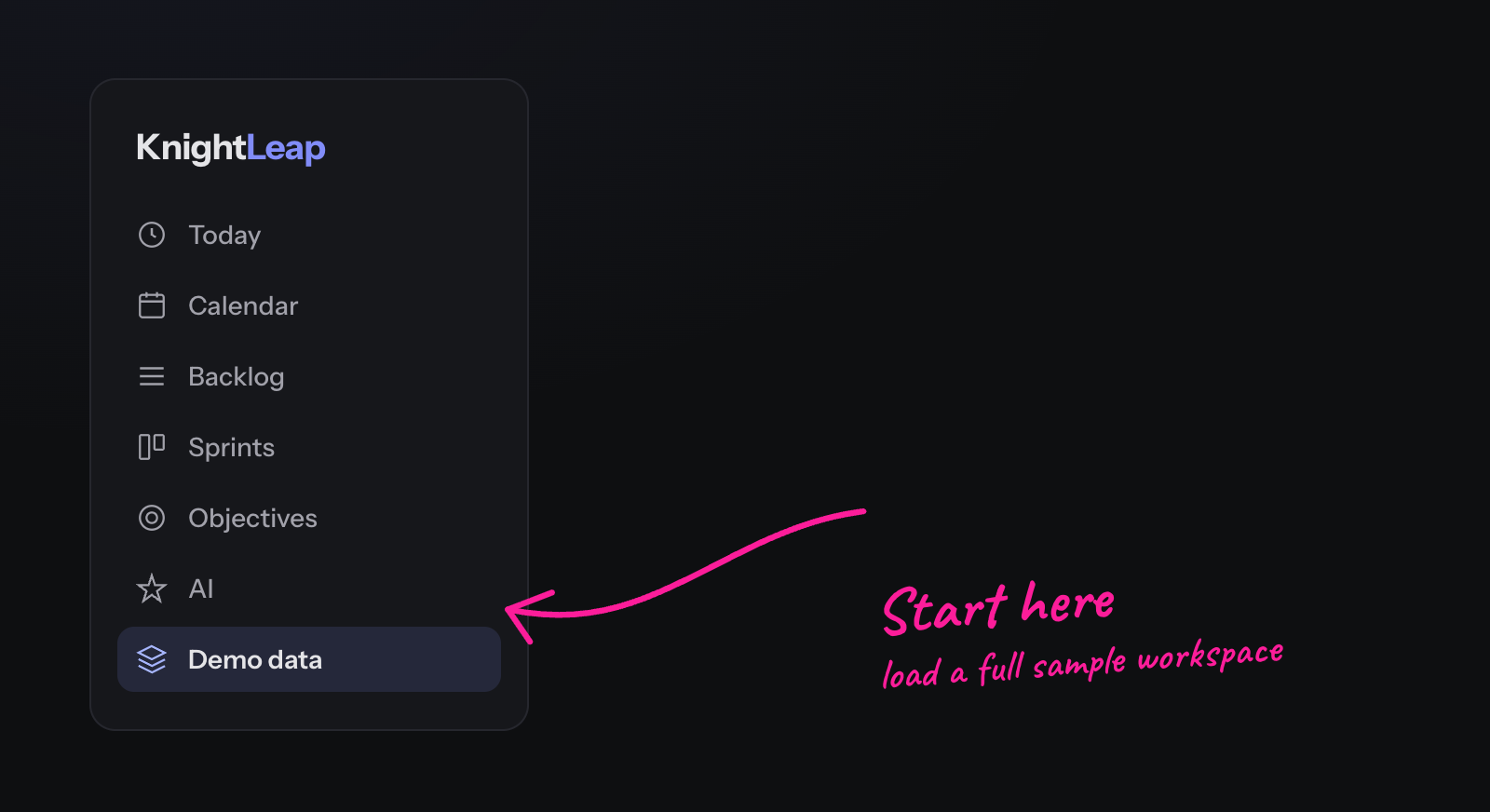
Where to find it
Open Demo data at the bottom of the left sidebar (or Settings → Demo data). New accounts also get a one-time welcome prompt offering to load it. Click Load Demo Data and the sample workspace appears instantly.
What gets loaded
- Two portfolios (Business & Personal) with six example projects.
- Quarterly OKRs with weekly progress and confidence check-ins.
- Three weeks of sprint history — stories, tasks, recurring routines, and reviews.
- Everything is clearly tagged as sample data and lives alongside (never mixed into) your real work.
It's the fastest way to see real story IDs like KDP‑13, a sprint addressed as KDP‑2026‑W27, and how OKRs roll up from the weekly sprint.
Removing it is just as easy. Go back to Settings → Demo data and click
Delete Demo Data. Only the sample records are removed — anything you created yourself stays put.